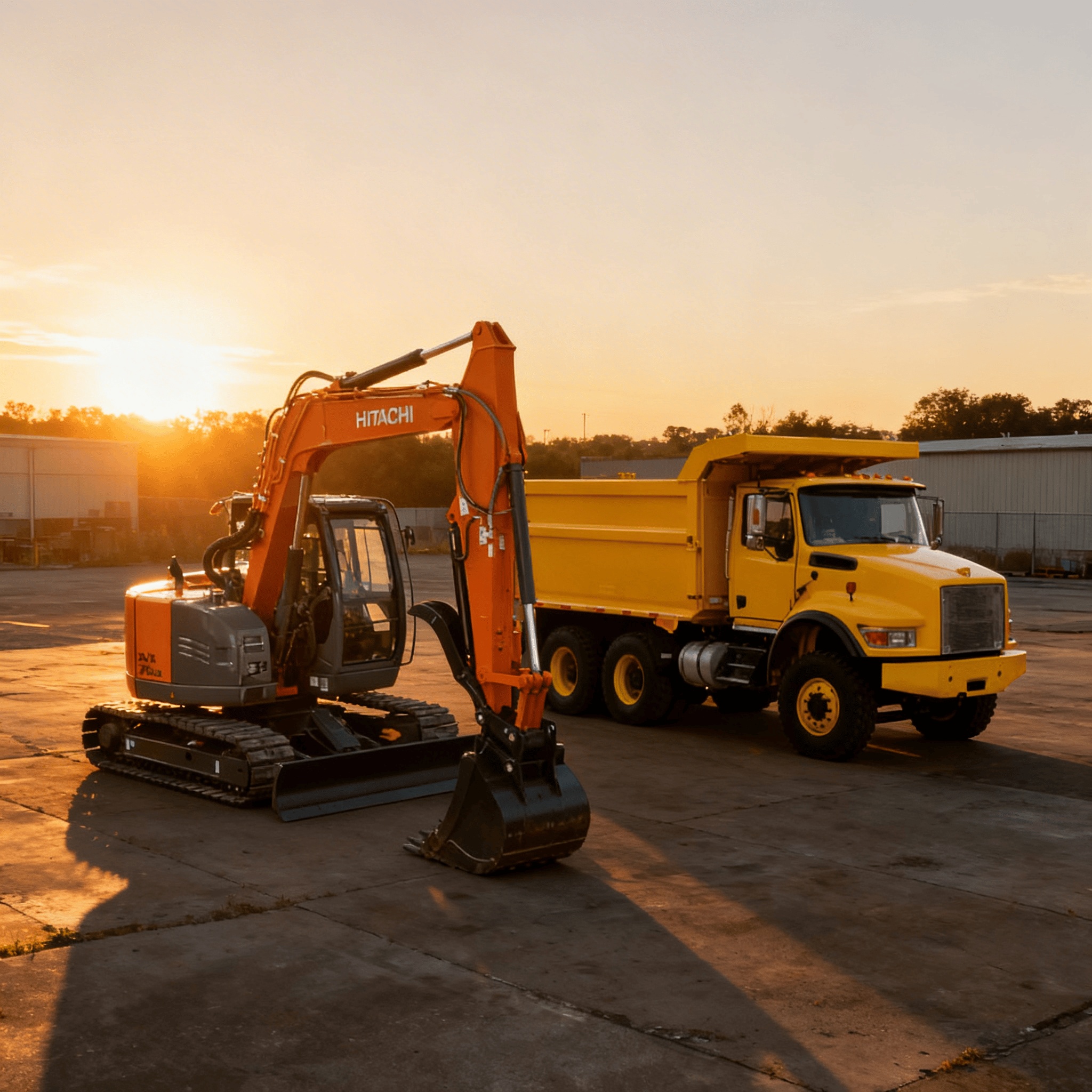
ai image enhancer before after

AI Image Enhancing: Making “After” Photos Premium

Your work may be clean, but your photos often aren’t. Dust, shadows, cluttered backgrounds, overcast skies, and inconsistent lighting can spoil an otherwise excellent “after” photo. This can negatively influence perception, even if the work was done properly. Customers form opinions about quality before making a call, and these judgments are often based on photos.

This article explains how AI image enhancing improves photo editing for contractors and how to clean up job site photos with AI without fake results or wasted time.

Why Photos Matter More Than You Think

Photos effectively showcase excavation and land clearing work. Since most customers cannot assess technical skills, they evaluate based on visual results.

Before and after photos answer key questions fast:

  • Does this contractor finish clean?
  • Does the work look professional?
  • Can I trust them on my property?

If photos appear dark, cluttered, or hurried, it reduces trust. AI assists in bridging that gap.

The Problem With Job Site Photos

Contractors take photos in real conditions.

That means:

  • Harsh sunlight
  • Deep shadows
  • Mud and debris
  • Overcast skies
  • Equipment blocking views

Phones don’t always accurately capture what your eye perceives. Manual photo editing requires time and skill, which most contractors often skip. That’s where AI technology becomes useful.

What AI Image Enhancing Really Does

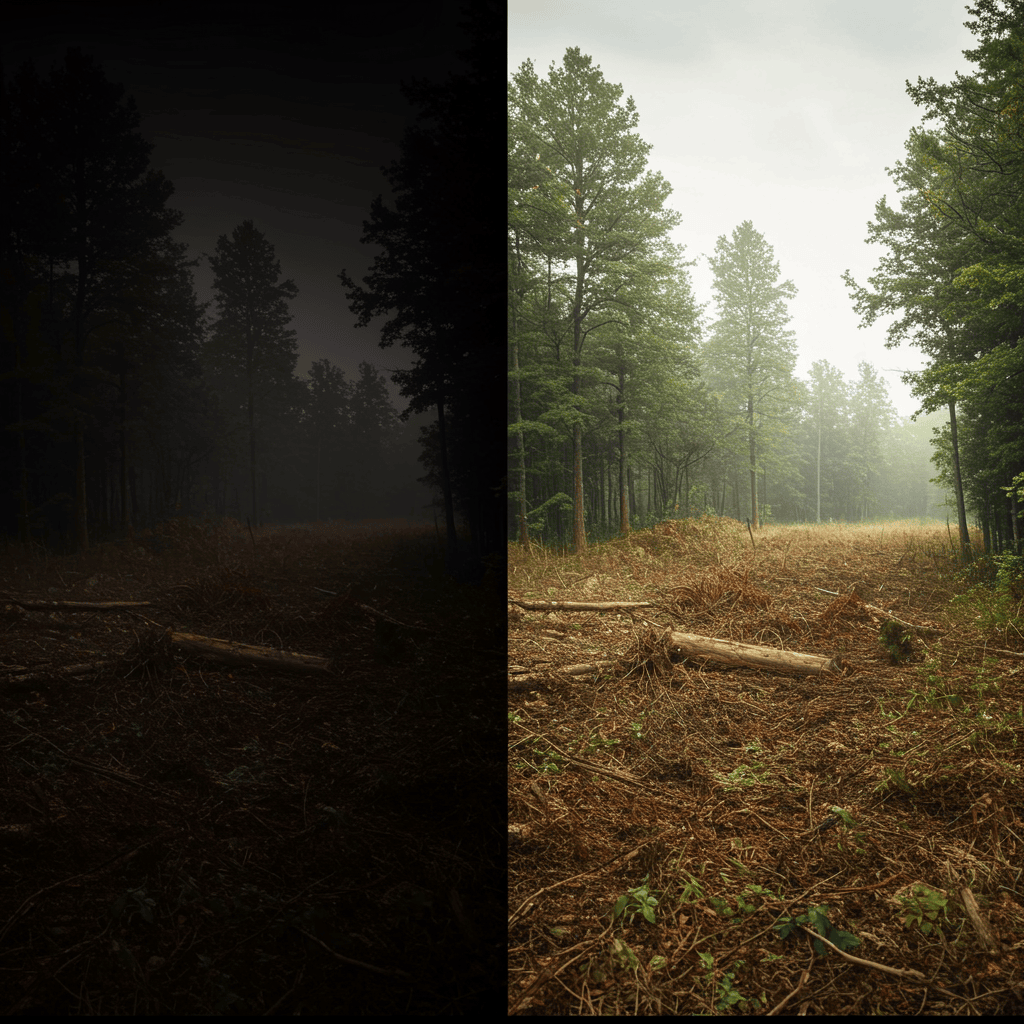
AI image enhancement does not produce fake results. It boosts clarity by automatically adjusting lighting, contrast, sharpness, and color balance.

Some tools can also:

  • Remove haze
  • Brighten dark areas
  • Sharpen details
  • Reduce visual noise

The outcome appears more polished, yet natural.

Why “After” Photos Matter Most

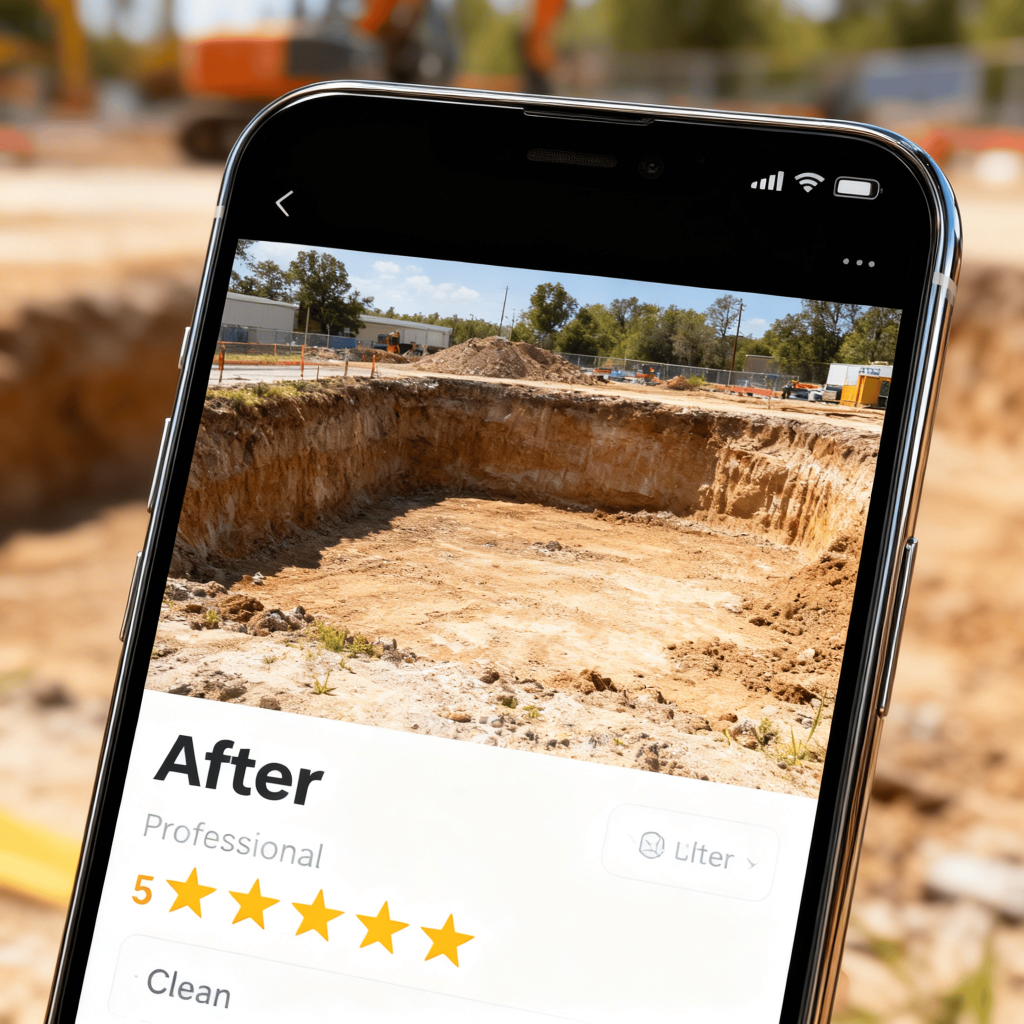
Before photos illustrate the problem, while after photos demonstrate the solution. If your after photos appear dull or disorganized, their impact diminishes.

Premium after photos show:

  • Clean edges
  • Clear ground
  • Defined results
  • Professional finish

AI helps highlight that without altering reality.

How Better Photos Affect Conversions

Clear photos boost trust, leading to more calls.

Better photos help with:

  • Website conversions
  • Social media engagement
  • Google Business Profile visibility
  • Proposal confidence

People often judge quality based on presentation. AI enhances your photos to reflect the true quality of your work.

AI vs Manual Photo Editing

Manual editing requires:

  • Software knowledge
  • Time
  • Consistency

AI editing requires:

  • Uploading the photo
  • Clicking enhance
  • Saving the result

For busy contractors, AI is advantageous. Its output remains consistent and quick, making it suitable for large-scale use.

enhance image quality with ai

What AI Should and Should Not Do

AI should improve clarity and must not be deceptive.

Avoid tools or settings that:

  • Change terrain
  • Remove structures
  • Alter job scope

Your photos should remain truthful; clean does not imply inauthentic. Premium does not equate to deception.

Common Issues AI Can Fix in Job Site Photos

AI works best on small but important problems.

Lighting Problems

  • AI balances bright skies and dark ground.
  • This makes the cleared area easier to see.

Washed-Out Colors

  • AI restores natural color.
  • The grass appears green, while the dirt looks more defined.

Soft Focus

  • AI sharpens edges and details.
  • This helps show clean lines and finished work.

Haze and Dust

  • AI reduces haze from dust or fog.
  • This improves depth and clarity.

How This Helps Photo Editing for Contractors

Contractors require quick results. AI editing aligns well with actual workflows.

You can enhance photos:

  • At the end of the day
  • Before posting online
  • Before sending a quote
  • Before updating your website

It takes only minutes rather than hours, making it sustainable.


Where Enhanced Photos Should Be Used

AI-enhanced photos work best in key places.

Website Galleries

✔️Clean photos improve first impressions.

✔️They help visitors stay longer and contact you.

Google Business Profile

✔️Up-to-date, bright pictures facilitate local rankings.

✔️Google prefers profiles that are regularly updated and have high-quality pictures.

Social Media

✔️Retouched photos attract eyeballs in feeds.

✔️They get more likes, comments, and shares.

Proposals and Estimates

✔️Photos inside quotes increase confidence.

✔️Clients see proof, not promises.

How to Enhance Photos Without Overdoing It

Less is more, follow these rules:

Keep textures realistic

Avoid heavy saturation

Do not over-sharpen

Keep shadows natural

If the photo appears edited, tone it down. The most effective edits are seamless.

A Simple AI Photo Workflow for Contractors

Here is a realistic workflow that works in the field.

Step 1: Take Better Raw Photos

AI helps, but starting quality matters.

Step back

Hold steady

Avoid extreme angles

Even small improvements help AI perform better.

Step 2: Select Only Strong “After” Shots

Do not edit everything.

Limit the number of images to the most meaningful ones.

Focus on the quality rather than the quantity.

Step 3: Run AI Enhancement

Initially, use default settings.

Preview before saving.

Don’t use too many effects.

Step 4: Save Originals

Keep all your original photos.

This way, you are protected if you need to make changes to your edits.

Step 5:

Consistency breeds a visually attractive brand.

Use the same style on all your platforms.

How Enhanced Photos Affect Perception

Customers are pattern seekers.

Basically, a neat and clear appearance of all the pictures will make customers assume:

that you are organized,

that you are detail-oriented, and

that you are a serious business owner.

This perception influences how sensitive customers are to price. Offering a premium presentation helps justify higher prices.

Common Mistakes to Avoid

Avoid these errors.

Editing Before Photos Too Much

Before photos should appear unedited or natural. Increased contrast enhances the impact of the after photos.

Using Stock Images

Real jobs beat perfect stock photos.

Inconsistent Styles

Unpredictable appearances decrease trust.

Ignoring File Size

Large images can make websites slower. Compress them before uploading

AI Does Not Replace Good Habits

AI promotes good habits, it does not serve as a replacement.

You still need to:

Take photos regularly

Capture clean finishes

Show full project views

AI improves what is already in place; it does not create new results from nothing.

How This Fits Into a Bigger Marketing System

AI image enhancement works best with other systems.

It supports:

Social content schedules

Review generation

Website updates

Local SEO

Clear visuals enhance every channel, making your marketing feel cohesive.

Final Thoughts

Your work merits better photos. AI image enhancement transforms ordinary job site pictures into high-quality “after” shots without distortion or wasted effort. For contractor photo editing, AI isn’t meant for perfection but for clarity. 

When clients can clearly see your results, their trust increases. Higher trust leads to more calls. Clear photos showcase quality work. Let AI improve the look, so you can concentrate on your job.

Share the Post:

Related Posts

Join Our Newsletter

© 2026 ExcavatorNetworkUSA.com - All rights reserved