

AI Content Generation: 30 Days in 1 Hour
Social media succeeds through consistency, but many excavators avoid it because daily posting feels like another full-time job. They are busy operating equipment, managing crews,
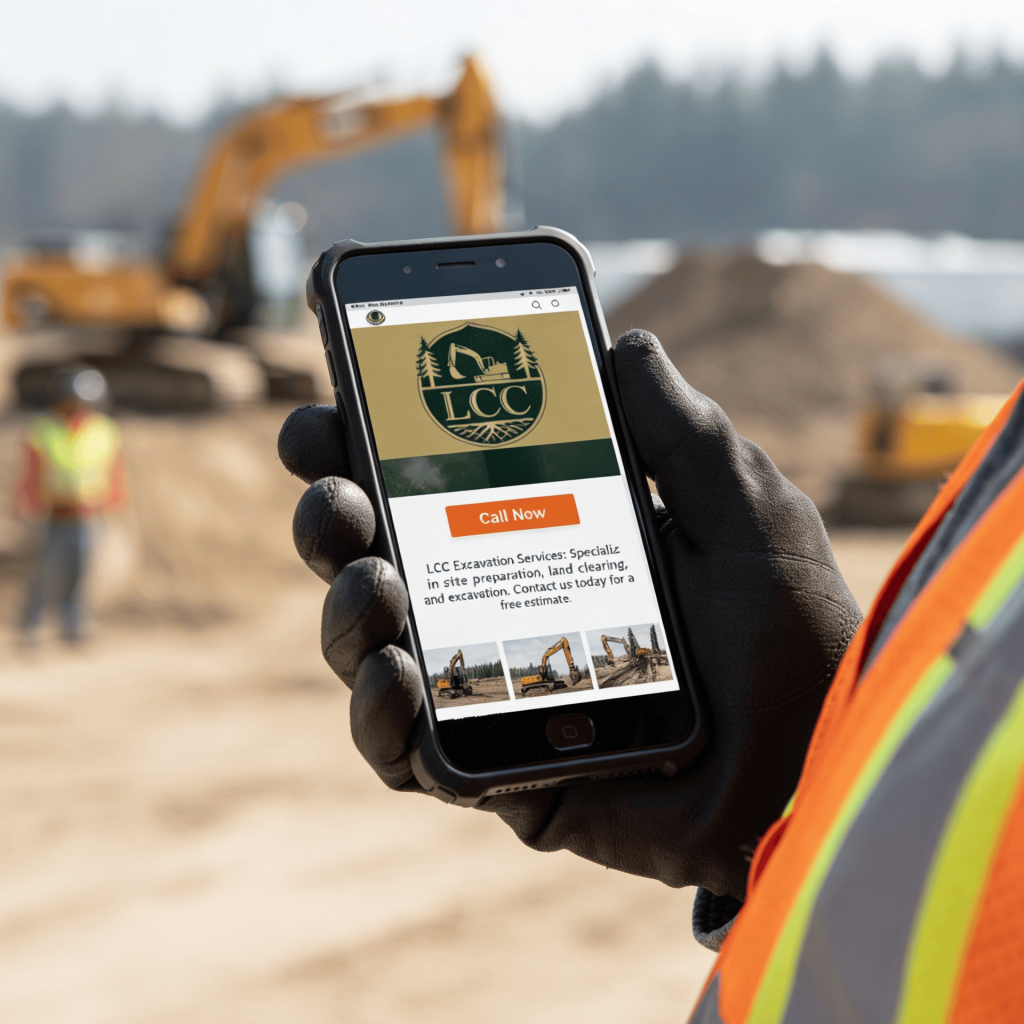
Most construction websites are designed for desktops. However, your customers are not sitting at desks; they are standing on sites, sitting in trucks, walking around job sites, and using their phones with one hand.
If your site isn’t mobile-friendly, you’re missing out on potential leads. This article explains why a mobile-friendly construction website is essential and how its layout and speed affect busy builders in the field.
More than half of contractor website visits come from mobile devices. For local construction searches, that number is even higher.
People search when they are:
They quickly pull out their phones and search. If your site loads slowly or feels awkward to use, visitors will leave. Google detects this behavior, and so do customers.
Google employs mobile-first indexing, meaning it evaluates your site primarily on its mobile version rather than the desktop. If your mobile user experience is lacking, it can lead to a decline in your rankings.
That affects:
Mobile-friendly construction websites perform better because Google trusts them more.
Mobile first does not imply reducing a desktop website. It means prioritizing phone design first and then expanding for larger screens. Mobile devices have limited space, and users have short attention spans. Each element needs a clear purpose. Busy users don’t scroll aimlessly; they seek quick answers.
A bad mobile site does more damage than most contractors realize.
It causes:
Even if your work is excellent, the website conveys a different impression. Customers assess professionalism within seconds. If the site seems outdated or sluggish, they will leave.
Speed is more crucial than design. If your site loads in over three seconds, many users will leave, especially on mobile, where patience is even shorter. Heavy images, large videos, and excessive code can all cause delays. Builders and landowners who are busy won’t wait around. As a result, fast-loading sites tend to succeed automatically.
Speed isn’t solely about rankings; it also influences actions.
A faster site leads to:
Instant page loads give users confidence, which encourages them to make contact. This is why layout and speed are closely linked.
Use these rules.
Every tap should feel easy.
Photos play a crucial role in construction. However, oversized images can cause delays. Use compressed images to improve load times. Avoid autoplay videos on mobile devices. Slow-loading visuals can decrease conversions. Prioritize showing fewer images that are impactful.
Mobile menus should be clear and easy to find. Steer clear of complicated dropdowns.
Use clear labels like:
If users cannot quickly find what they need, they will leave. Clear navigation helps keep them engaged.
Mobile-friendly sites help more than customers. They help you, too.
When your site works well on mobile, you can:
Your website transforms from merely a brochure to a functional tool, which is especially important when you’re busy.
You don’t need special tools. Evaluate your site as a customer would. Use your phone to do so.
Ask these questions:
If any answer is no, fix it.
The mobile layout should be straightforward and easy to understand. These are the essential rules that apply:
Each page should focus on a single main action, typically a call or a form. Avoid overwhelming users with multiple offers. Clear guidance leads to better results.
Phone calls are still king in construction.
Your phone number should be:
Visible
Clickable
Easy to tap
Small text numbers can frustrate users, while large buttons tend to convert better.
Do not hide value below long text.
At the top of the page, show:
What you do
Where you work
How to contact you
Users make quick decisions. Assist them in choosing your option.
Long paragraphs can be difficult to read on phones. Break content into smaller sections, use headings and spacing, and include white space to enhance clarity.
Mobile forms fail when they are hard to use.
Common mistakes include:
Tiny input fields
Too much typing
Poor spacing
Busy builders and landowners will quit halfway.
Avoid these issues.
What looks fine on a laptop may fail on a phone.
Mobile users scan, not read.
Cheap hosting often means slow load times.
Old sites break on new phones.
Construction buyers are always on the go. Google prioritizes mobile-friendly sites. Your competitors are moving to mobile. If your website isn’t optimized for the field, you’re falling behind. Mobile-friendly construction websites succeed because they value time and context. They load quickly, guide visitors effectively, and make contacting you simple.
Your website should work as hard as you do. Mobile-first design demonstrates respect for your customers’ time and the way work is actually done. A fast, clear, and mobile-friendly site will generate more calls, while a slow or confusing one will drive potential clients away.
Consider this: if a customer is on a job site right now, is your website helping them or causing frustration? The answer reveals what improvements to make next.

Most excavation companies understand where their leads originate. However, few know which leads actually generate revenue. When a call is received, a job is scheduled,

Mobilization fees often cause confusion in excavation pricing. Customers notice an unexpected line item and may assume it’s additional profit, creating tension before work begins.

Every contractor encounters it. “I received a lower quote.” For many, that statement ends the discussion. They either lower their price, defend their value, or

Many excavation jobs are lost before price is even considered. The issue isn’t always the quote itself, but how it’s presented. A brief text message

Root raking is frequently misunderstood. Many landowners view it as extra effort, consider it optional, or confuse it with basic debris removal. This misunderstanding makes

Most contractors view Facebook as just a billboard, posting ads with a phone number and hoping for calls. However, this approach seldom succeeds in local

TikTok isn’t just about trends and dances. It’s also a powerful platform for showcasing real work, especially heavy equipment. Excavators, for example, shift dirt quickly,

Your work may be clean, but your photos often aren’t. Dust, shadows, cluttered backgrounds, overcast skies, and inconsistent lighting can spoil an otherwise excellent “after”

Social media succeeds through consistency, but many excavators avoid it because daily posting feels like another full-time job. They are busy operating equipment, managing crews,